How I Replaced Nginx Chaos with One Clean Caddyfile
Last week, I was deep in deployment hell. More than 10 apps. 10+ APIs. One overworked developer (me).
Every time I touched Nginx, something broke. Semicolons went missing, SSL expired, or ports collided. All I wanted was for report-api, report.app, and payments-demo.sksushil.info.np to just work.
Then I met Caddy — and my nights got quieter.
The Problem: Too Many Configs, Too Little Sanity
Each microservice meant another Nginx file. Another reload command. Another moment wondering, "Why isn't this proxying?"
And let's be honest: debugging Nginx inside Docker feels like fighting your own reflection.
I needed something that understood Docker — something clean, automatic, and smart.
The "Wait, That's It?" Moment
A friend told me:
Caddy is like Nginx, but with auto HTTPS and no pain.
I tried it. I wrote this one file called Caddyfile:
report-app.sksushil.info.np {
    reverse<em>proxy report-app:80
}</p><p>app1.sksushil.info.np {
    reverse</em>proxy app-1:80
}
app1-api.sksushil.info.np {
    reverse<em>proxy app1-api:8080
}
payments-demo.sksushil.info.np {
    reverse</em>proxy payments-app-demo:8080
}
One reload command later, everything was live. SSL worked. Routing worked. I didn't cry.
Note on SSL Conflicts (Cloudflare Users)
Sometimes Caddy's automatic HTTPS can conflict with Cloudflare Flexible SSL, causing redirect loops.
By default, Caddy tries to get a Let's Encrypt certificate. This can clash with Cloudflare's SSL.
Solution: Explicitly serve plain HTTP in Caddy:
http://payments-demo.sksushil.info.np {
    reverse<em>proxy payments-app-demo:8080
}
This tells Caddy: "Do not get certificates — just serve HTTP." Now Cloudflare handles SSL entirely.
SPAs in Caddy v2
For single-page apps (SPAs), use rewrite like this:
report-app.sksushil.info.np {
    reverse</em>proxy report-app:80
    @notFound {
        not file
    }
    rewrite @notFound /index.html
}
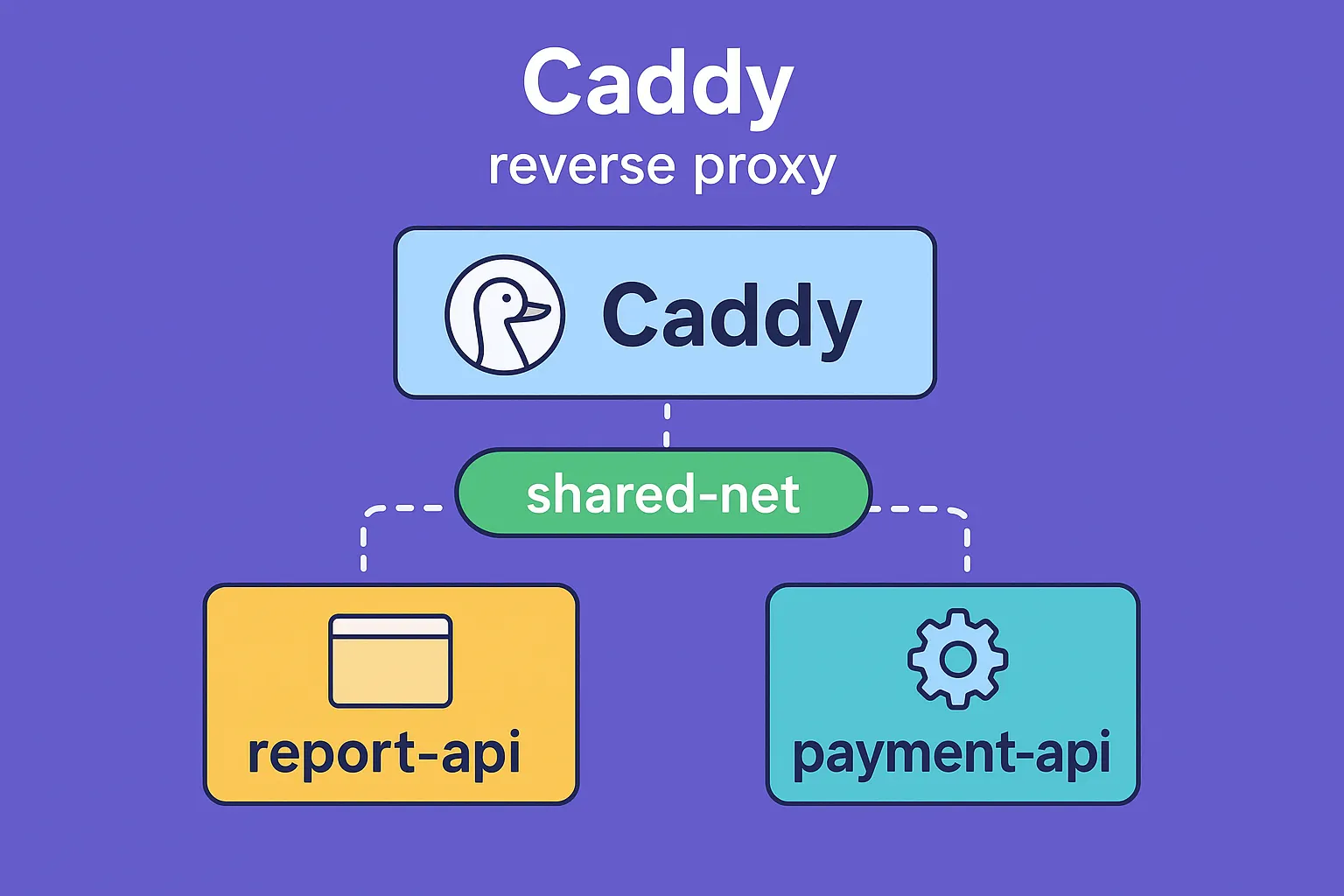
The Secret: Shared Docker Network
Caddy needs to see your app containers — like neighbors on the same street:
docker network create shared-netCaddy Setup
services:
  caddy:
    image: caddy:latest
    ports:
      - "80:80"
      - "443:443"
    volumes:
      - ./Caddyfile:/etc/caddy/Caddyfile
      - caddy_data:/data
    networks:
      - shared-net
The Ending I Wanted
Now my production stack runs three sites, two APIs, and one proxy — all behind a single elegant Caddyfile. No /etc/nginx/sites-enabled, no renewal scripts, no fragile reloads.
Just this:
docker exec -it caddy caddy reload --config /etc/caddy/Caddyfile…and a peaceful developer sipping coffee while SSL renews itself.
Tags
Subscribe to Newsletter
Get notified about new articles