Building My Own Hosting Server (Completely Free)
Remember when hosting anything on a public domain felt like climbing Everest in flip-flops? Every deployment meant wrestling with shared hosting limitations and paying for services I barely used.
So I did what any reasonable developer would do: I built my own server.
Why Self-Host?
Cloud hosting is great until you see the bill. For personal projects, experiments, and learning, the costs add up quickly.
My requirements:
- Host multiple apps and APIs
- Full control over the environment
- Zero monthly hosting fees
- Learn server administration
The Setup
Hardware: Old laptop/desktop, stable internet, UPS for power backup
Software Stack:
- Ubuntu Server
- Docker & Docker Compose
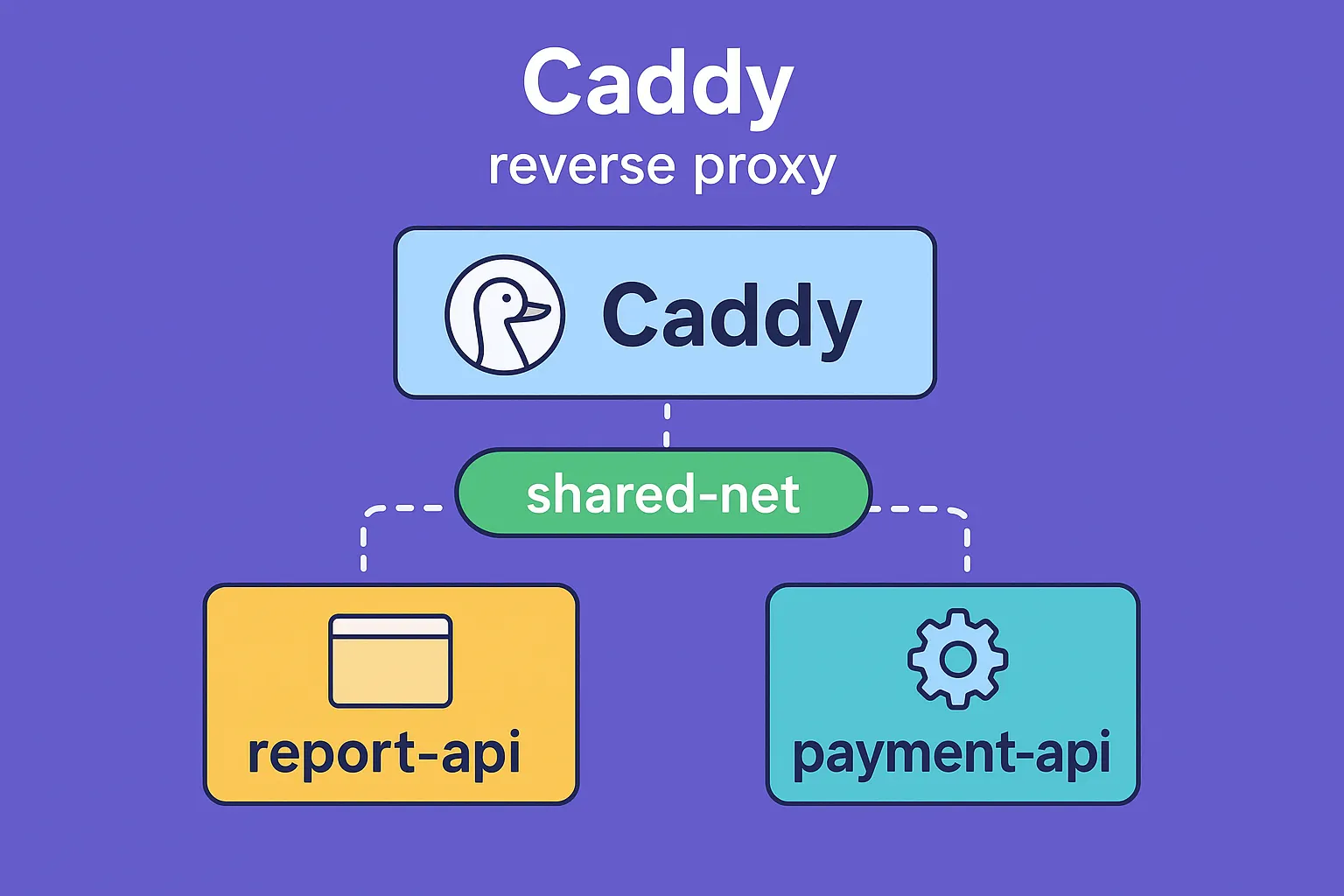
- Caddy (reverse proxy with auto HTTPS)
- Tailscale (secure remote access)
The Magic Ingredient: Tailscale
The biggest challenge with self-hosting is making your server accessible from anywhere without exposing it to the internet.
# Install Tailscale
curl -fsSL https://tailscale.com/install.sh | sh
sudo tailscale up
Now your server is accessible from any device on your tailnet, anywhere in the world.
Docker: The Foundation
services:
  app:
    image: myapp:latest
    expose:
      - "80"
    networks:
      - shared-net
What I'm Running
The Real Cost
Monthly expenses:
- Electricity: ~$5-10
- Internet: You're paying this anyway
- Domain: ~$10/year
Is It Worth It?
For production workloads? Probably not. Use the cloud.
For learning, experimenting, and personal projects? Absolutely. You'll learn more about servers, networking, and DevOps in a month than a year of tutorials.
Tags
Subscribe to Newsletter
Get notified about new articles
Related Articles
How I Replaced Nginx Chaos with One Clean Caddyfile
Tired of Nginx config hell? Here's how I replaced multiple Nginx config files with one elegant Caddy...
How I Replaced Nginx Chaos with One Clean Caddyfile
How I simplified my deployment setup by replacing Nginx with Caddy for automatic HTTPS and cleaner c...